Video Studio

Create cinematic video with precision, speed, and control.

Pezy Video Studio brings together some of the most powerful AI video models available today, including Seedance 2.0, Kling V3 4K, and Happy Horse 1.0, all in one streamlined workflow.
Key features

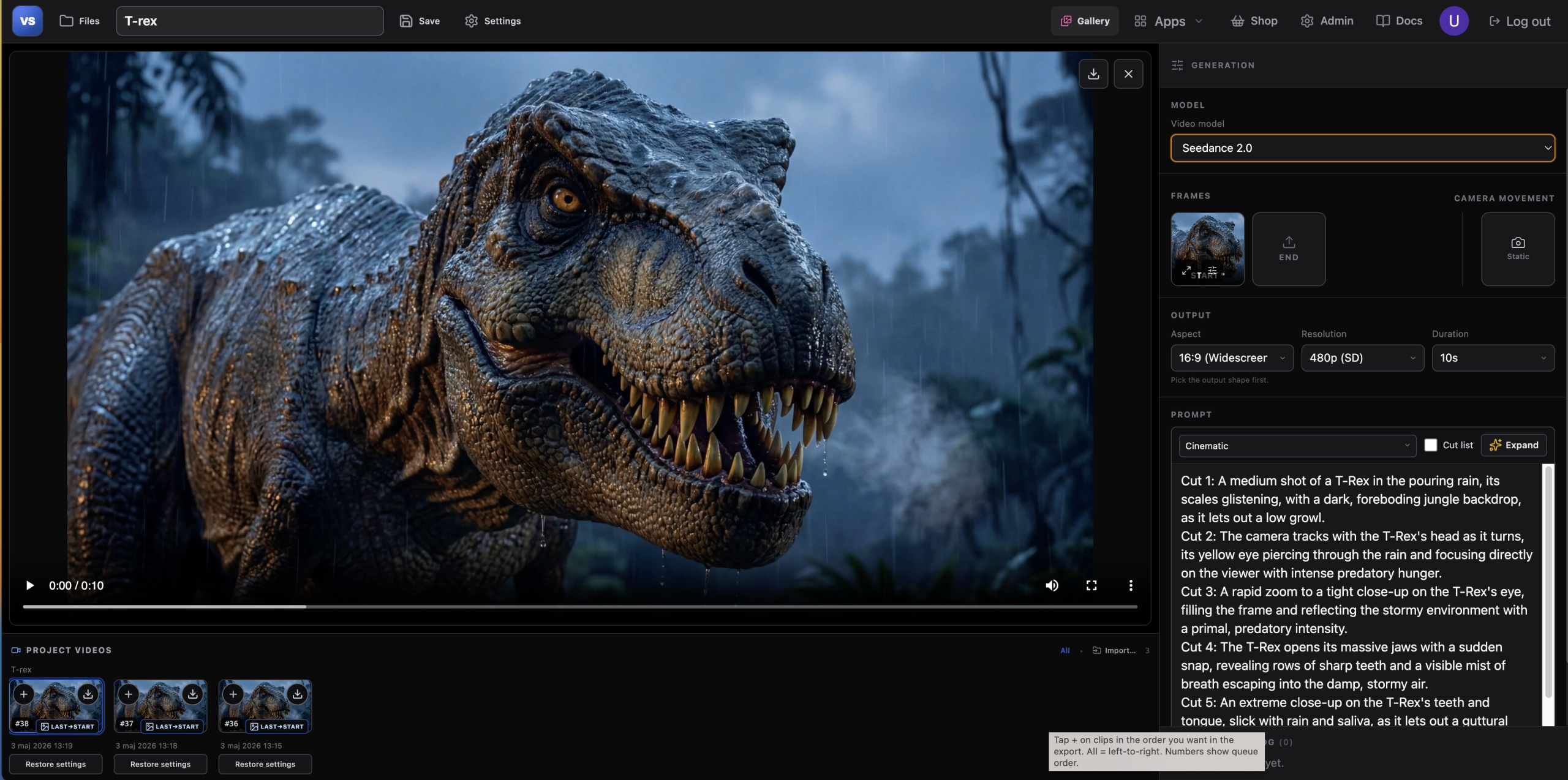
Curated AI video models (Kling, Seedance, Grok, etc.)

Image-to-video with start/end frames & references

AI prompt expansion

Camera motion presets

Saved cloud projects

Project strip — last frame chains to next shot

Multi-clip merge to one MP4

Shared gallery; cross-app start frames

Live pipeline (~2–5 min typical)

VIDEO MODELS

CAMERA MOVEMENT

PROMPT PRESETS

Cut list
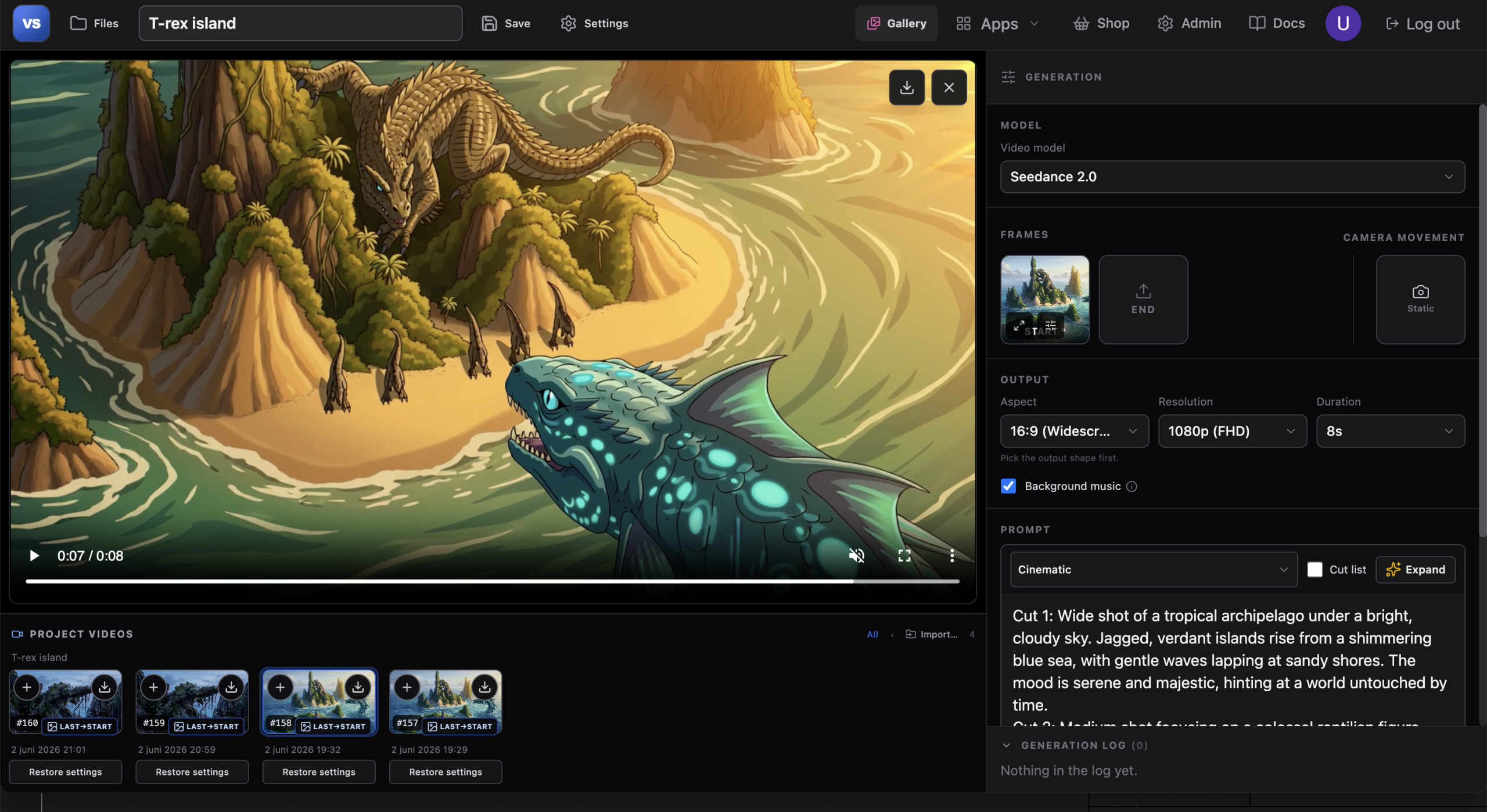
Use cutlists to guide the AI and take control of the narrative. Start with a simple sequence of shots and let the AI expand it into a more detailed cinematic scene. Define camera angles, subjects, actions, mood, and composition for each cut to shape the story exactly the way you want.


Example

Cut 1: Wide shot of a tropical archipelago beneath a bright, cloud-filled sky. Jagged green islands rise from a shimmering blue ocean. Gentle waves roll onto white sandy beaches. The atmosphere is peaceful, vast, and untouched.

Cut 2: Medium shot of a colossal reptilian creature clinging to a towering cliff on the largest island. Small dinosaurs move along the shoreline below, emphasizing the giant creature's scale. Harsh midday sunlight creates strong shadows across the rock face.

Cut 3: Close-up of a massive sea serpent emerging from the water. Turquoise scales shimmer beneath the surface, covered with glowing bioluminescent markings. Water cascades from its body as its ancient eyes lock onto something in the distance.

Cut 4: High-angle cinematic shot overlooking the entire scene. The sea serpent approaches the island while the giant reptile remains frozen on the cliff. The smaller dinosaurs stop moving as tension fills the air. Warm golden-hour sunlight stretches long shadows across the landscape, creating a sense of anticipation before an inevitable confrontation.

Storyboard

Use storyboards to guide the AI and take control of the camera angles, pacing, and visual flow of your scene. Sketch out key moments, define compositions and shot transitions in Pezy Artist and let the AI transform your storyboard in video studio into a detailed cinematic sequence while preserving your creative intent.